

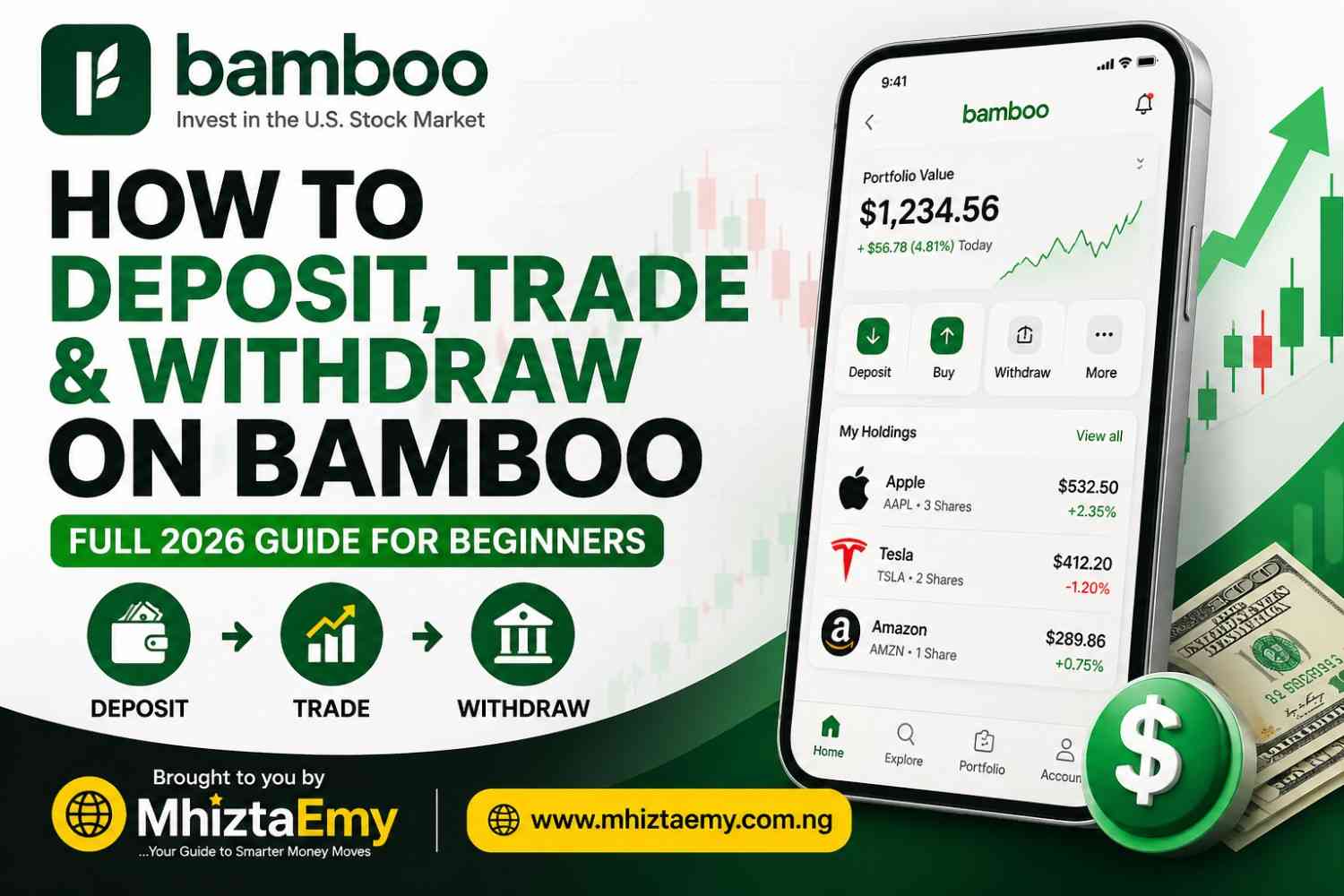
Want to start buying U.S. shares from Nigeria without stress? This beginner-friendly guide explains how Bamboo works, how to fund your wallet, how to trade, and how to withdraw your money safely. If you are new to online investing, this article gives you clear steps in simple English.
In this article, MhiztaEmy will explain how to use Bamboo to buy and sell U.S. stocks. You will learn how to open an account, add money, start trading, and pull your cash out. This guide is for beginners who want clear steps without hard grammar.
What Is Bamboo?
Bamboo is an app that lets you buy real shares of American companies like Apple, Tesla, and Amazon from Nigeria. You do not need a U.S. bank account. Everything works with your local bank card or transfer.
Many Nigerians use Bamboo as a simple way to access global companies from their phone.
How to Register on Bamboo
To start, you must create an account. Follow these steps:
Step 1: Download the App
Go to Google Play Store or Apple App Store. Search for “Bamboo”. Look for the green logo. Download and install.
Step 2: Open the App and Sign Up
Tap “Create Account”. Enter your email address and phone number. Create a strong password.
Step 3: Verify Your Identity
Bamboo will ask for your full name, date of birth, and address. You will also need to upload a government ID. This can be your:
· Voter’s card
· Driver’s license
· National ID card
· International passport
Step 4: Take a Selfie
The app will ask you to take a live selfie. This is to match your face with your ID. It takes two minutes.
Related Posts
- How to Make Money on Trove in Nigeria – Full 2026 Guide to Deposit, Trade and Withdraw Without Stress
- How Nigerians Build a $100K US Stock Portfolio in 2026
- 7 Best Investments to Buy on Bamboo for Beginners in Nigeria (2026)
- How to Invest in US Stocks from Nigeria (2026): Trove Nigeria vs Trove Global – Complete Beginner Guide for Smart Investors
- Interactive Brokers Review 2026: $0 Minimum Deposit, How to Fund, Trade Stocks, and Withdraw Profits Safely
- How to Make Money on Chaka in Nigeria (2026 Beginner Guide to Deposit, Trade, Withdraw & Send Stocks)
Once approved (usually within 24 hours), you can log in.
How to Add Money to Bamboo
You cannot trade without funds. Adding money is called “funding your wallet”.
Step 1: Go to Deposit
Open the app. Tap on “Deposit” or “Add Funds” at the bottom of the screen.
Step 2: Choose Amount
Enter how much you want to add in Naira (₦). The money will be converted to U.S. dollars inside the app.
Step 3: Pick Payment Method
You can pay with:
· Debit card (Verve, Mastercard, Visa)
· Bank transfer (from any Nigerian bank)
Step 4: Confirm Payment
Follow the instruction on your screen. If you use a card, enter your card details and OTP. If you use transfer, send money to the account number Bamboo gives you.
The money shows in your Bamboo dollar wallet in minutes (sometimes up to one hour).
Minimum Amount You Can Deposit
You can deposit as low as ₦1,000. But remember, after conversion to dollars, very small amounts (like $1) may not be enough to buy most stocks. For a good start, try to deposit at least ₦5,000 to ₦10,000.
Starting with a higher amount may give you more buying options.
How to Trade on Bamboo
Trading means buying or selling a stock.
Step 1: Find a Stock
Use the search bar. Type a company name. Example: “Apple” or “Tesla”. Tap on it.
Step 2: Check the Price
You will see the current price in dollars. You will also see if the price went up or down today.
Step 3: Tap “Buy”
Enter how many shares you want. You can also enter a dollar amount (for example, $10 worth of shares).
Step 4: Review and Confirm
Check the total cost. Tap “Confirm Buy”. If your dollar balance is enough, the stock appears in your portfolio.
How to Sell
Tap on the stock you own. Tap “Sell”. Enter how many shares. Confirm. The dollar money goes back to your Bamboo dollar wallet.
Selling at the right time depends on your personal plan and market movement.
How to Withdraw Money from Bamboo to Your Bank
Withdrawal means moving your money from Bamboo back to your Nigerian bank account.
Step 1: Go to Withdraw
Open the app. Tap “Withdraw” or “Cash Out”.
Step 2: Enter Amount in Dollars
Type how many U.S. dollars you want to withdraw. The app will show you how much Naira you will get (using the current exchange rate).
Step 3: Select Your Bank
Choose your bank name. Enter your account number. Make sure the name on your bank account matches your Bamboo name.
Step 4: Confirm
Tap “Withdraw”. Money usually arrives in 1 to 3 working days. Sometimes same day.
Minimum Amount You Can Withdraw
The smallest amount you can withdraw is $10 (ten U.S. dollars). If you have less than $10 in your dollar wallet, you cannot withdraw. You must either add more money or sell more stocks to reach $10.
How to Send Stocks to Another Person
This is called “stock transfer”. You can send shares you own to another Bamboo user.
Step 1: Go to Portfolio
Tap on the stock you want to send.
Step 2: Tap “Transfer”
Look for “Send” or “Transfer Shares”.
Step 3: Enter Receiver’s Details
You will need their Bamboo email address or registered phone number.
Step 4: Enter Number of Shares
Type how many whole shares you want to send. Then confirm.
The receiver gets the shares in their account. They can keep them or sell them. There may be a small fee for this transfer.
What Else You Need to Know (Important Tips)
Here are extra things MhiztaEmy wants you to know before you start.
1. There Are Fees
· Deposit fee: Small charge (around 1.5% to 2.5%) when you add money.
· Withdrawal fee: Also a small percentage.
· SEC fee: Very small fee when you sell a stock (charged by U.S. government).
Always check the fee breakdown before you click confirm.
2. You Cannot Trade Fractional Shares Below $1
Bamboo lets you buy fractional shares (for example, 0.5 of Tesla). But each piece must be worth at least $1. So you cannot buy $0.50 worth.
3. Market Hours
U.S. stock market is closed when Nigeria is sleeping. Trading only works when the U.S. market is open (from about 3:30 PM to 10:00 PM Nigerian time, Monday to Friday).
4. Dollar and Naira
Your money sits in dollars inside Bamboo. When you withdraw, it changes to Naira. If the dollar goes up against Naira, you make extra profit. If dollar goes down, you get less Naira.
5. Keep Your Account Active
If you do not use your Bamboo account for a long time, it may be frozen. Log in at least once every two months.
6. Customer Support
If your money does not show up or withdrawal fails, use the in-app chat. Do not send money to anyone outside the app.
Why Many Beginners Like Bamboo
It is simple to use, easy to fund, and gives access to major companies from one mobile app. Beginners also like the clear interface and flexible starting amount.
Conclusion
Bamboo is a good tool to own part of big American companies. Start small. Learn with ₦5,000. Do not put money you need for rent or food. Let your money grow slowly. Follow the steps above to register, fund, trade, and withdraw without stress.
FAQs
Is Bamboo safe to use in Nigeria?
Bamboo is widely used by many Nigerians who want access to foreign shares. Always use strong passwords and official app stores.
Can I start with small money?
Yes. You can begin with a low deposit and grow gradually.
How long does withdrawal take?
Money usually arrives within 1 to 3 working days, depending on processing time.
Can beginners use Bamboo?
Yes. The app is beginner-friendly and simple to understand.
Can I use Bamboo without a BVN?
No. You must provide your BVN during registration. Bamboo uses it to verify your identity.
How long does it take for my deposit to reflect?
Card deposits take 5 to 30 minutes. Bank transfers can take up to 1 hour. If it takes longer, contact support.
What happens if I withdraw less than $10?
The app will not allow it. You must wait until your dollar wallet has $10 or more.
Can I lose all my money?
Yes. Stock prices can go down. You can sell for less than you bought. Bamboo does not guarantee profits.
Is Bamboo safe?
Yes. Bamboo is registered with the SEC Nigeria. Your stocks are held in a U.S. custody account under your name.
Can I buy stocks on weekends?
You can place an order, but it will only go through when the U.S. market opens on Monday.
Do I pay tax on my profits?
Not yet. Nigeria does not tax foreign stock gains for small investors. But always check for future changes.
What is the best amount to start trading?
Start with ₦10,000. That gives you about $10–$12 after fees, which is enough to buy small pieces of good stocks.
Can I have two Bamboo accounts?
No. One person can only have one account. Opening two can get both blocked.
How do I know if my withdrawal is coming?
You will get an email and an in-app notification. You can also check “Transaction History” to see the status.
To get more of investment from MhiztaEmy, see more on mhiztaemy.com.ng.
