

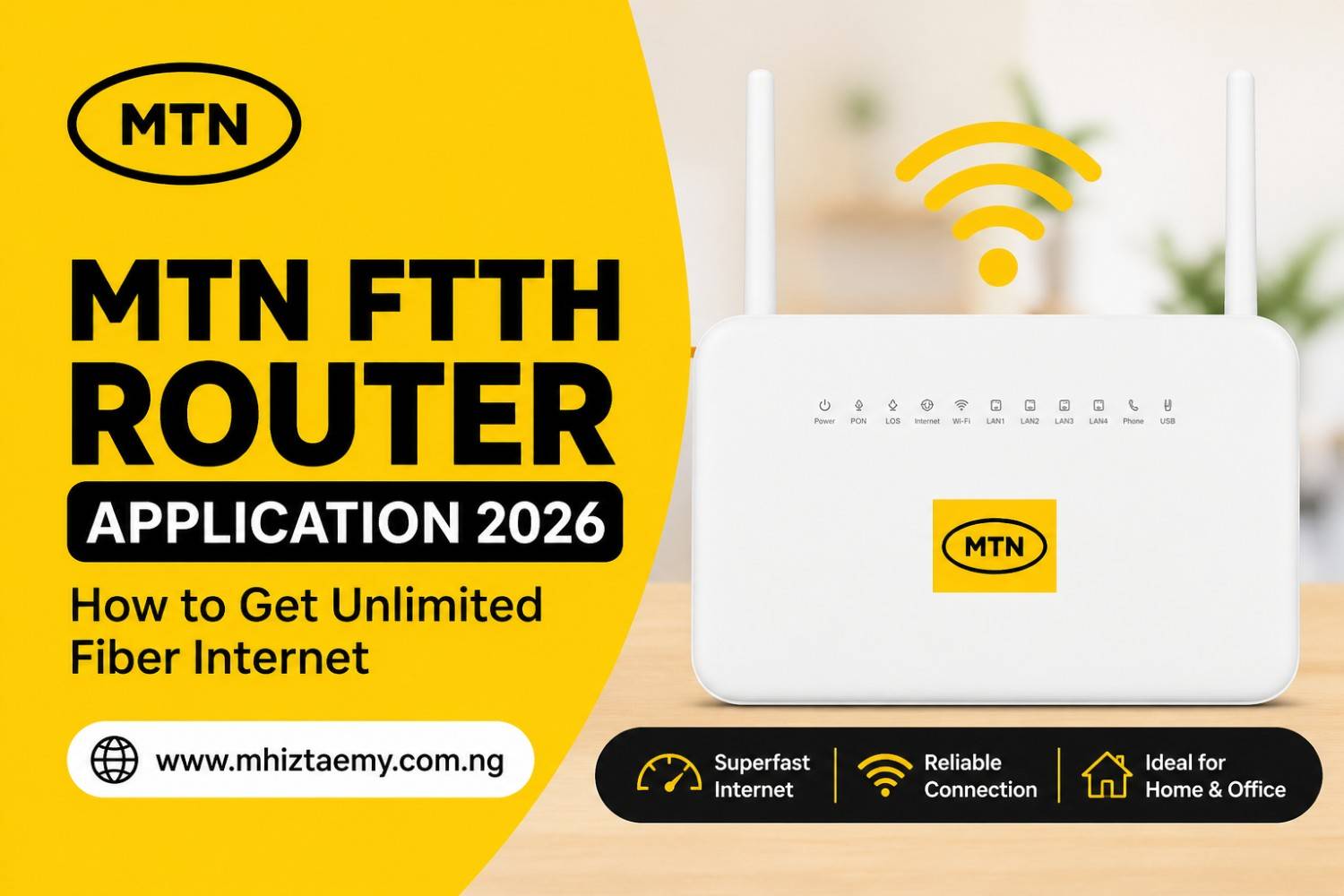
MTN FTTH Router Application 2026 – Get Superfast Unlimited Fiber Internet at Home
Getting reliable, high-speed internet in Nigeria is no longer a luxury—it is now a necessity for work, streaming, gaming, and running online businesses. If you are tired of slow connections and unstable networks, this guide will show you the exact process to switch to a faster and more stable option.
In this article, MhiztaEmy will explain how to apply for MTN FTTH Router and show you everything you need to know before you start. If you want fast internet for your home or small business, this guide is for you.
What is MTN FTTH Router?
FTTH means Fiber to the Home. MTN Nigeria gives you a special router that connects to a fiber optic cable. This kind of internet is very fast. You can watch videos, join video calls, download big files, and even run an online business without any delay.
The router is the device that spreads the internet around your house using WiFi or cables. MTN provides it when you sign up for their fiber plan.
Many users prefer this setup because it delivers more stable speeds compared to mobile data, especially during peak hours when network congestion is common.
Things You Need Before Applying
Before you start your application, get these things ready. It will save you time.
Having everything prepared ahead will make your approval faster and reduce delays during installation.
Documents Required
· A valid ID card (International passport, Driver’s license, or National ID)
· Proof of address (like a recent electricity bill or tenancy agreement)
· A passport photograph (soft copy on your phone)
· Your phone number and email address
Money You Must Pay
· One-time installation fee – This covers the work of bringing the fiber cable to your home.
· Router deposit – Some plans ask for a small deposit for the router.
· Monthly subscription – You pay this every month for the data plan you choose.
Ask MTN customer care for the exact prices in your area because they can change.
Related Posts
Choosing the right plan from the beginning can help you avoid overspending while still enjoying smooth internet performance.
Step by Step Guide to Apply for MTN FTTH Router
Follow these steps carefully. Do not skip any.
Step 1 – Check Fiber Availability
Not every street has fiber cables yet. Go to the MTN website or call their service line. Enter your address to see if fiber is available where you live. If it is not available, you can register your interest so MTN knows to bring fiber to your area.
Official Link to Check Coverage: MTN FibreX Coverage Check
This step is very important because it determines whether you can proceed immediately or need to wait for expansion.
Step 2 – Visit MTN Website or Store
You can apply online or in person. The official MTN online portal makes the process very simple.
Official Link to Apply Online: MTN eShop – FibreX Subscription
You can also manage your account and complete your application through the MTN Self-Service Portal here: https://selfservice.mtn.ng/
If you prefer face-to-face help, find the nearest MTN shop with a fiber desk. Many people find it easier to go to the shop because they can ask questions face to face.
Visiting a store can also help you get faster clarification on plans and installation timelines.
Step 3 – Choose Your Plan
MTN has different fiber plans. They range from small plans for light browsing to big plans for heavy streaming and gaming. Pick one that matches how you use the internet. Also check if the plan includes the router for free or if you have to pay extra.
Selecting the right plan ensures you get value for your money without experiencing slow speeds due to under-subscription.
Step 4 – Fill the Form
Write your full name, address, phone number, and email. Double check everything. A wrong address can cause the technician to go to the wrong place. Upload your ID and proof of address if you are applying online.
Accuracy at this stage prevents delays and unnecessary rescheduling.
Step 5 – Pay for Installation
After you submit the form, MTN will tell you how much to pay. Make the payment using bank transfer, card, or at the store. Keep your receipt or transaction reference number. You will need it later.
Keeping proof of payment is important in case you need to follow up.
Step 6 – Wait for Technician
MTN will send a technician to your home. This person will bring the fiber cable and the router. They will drill small holes if needed, run the cable inside your house, and set up the router. The whole thing takes between one to three hours. Do not pay the technician anything extra. All fees should already be paid to MTN.
A smooth installation ensures your connection starts working immediately after setup.
What You Must Know After Applying
Knowing these things will save you from stress.
Router Delivery Time
After you pay, the technician usually comes within three to seven working days. If it takes longer, call MTN customer care with your reference number.
Delays can happen in busy locations, so early follow-up helps.
Troubleshooting Tips
· If the internet stops working, restart your router. Unplug it, wait ten seconds, then plug it back.
· Check if the fiber cable is bent or damaged. Do not bend it sharply.
· Make sure you paid your monthly bill on time. Late payment stops your service.
· Call MTN support if the red light shows on the router for more than five minutes.
Simple checks like these can solve most common issues without needing a technician.
Things That Can Block Your Application
· Your address not covered by fiber yet
· Wrong or fake documents
· Outstanding debt with MTN from a previous line
· You live in an area where MTN does not have permission to dig for cables
Understanding these factors helps you avoid rejection and reapplication delays.
Frequently Asked Questions
How long does installation take after approval?
Most installations are completed within a few days after payment, depending on your location and technician availability.
Can I upgrade my plan later?
Yes, you can upgrade anytime if you need faster speeds or higher data capacity.
Is the router included in all plans?
Some plans include it, while others may require a deposit or separate payment.
What happens if I miss a payment?
Your service may be temporarily suspended until payment is completed.
Conclusion
Applying for MTN FTTH Router is simple if you follow the steps above. Do not rush. Check availability first, gather your documents, and choose a plan that fits your budget. Fast fiber internet can change how you work and enjoy yourself at home.
If you want to make the most of your internet, always choose a plan that matches your daily usage and avoid overcrowding your network with too many connected devices.
